
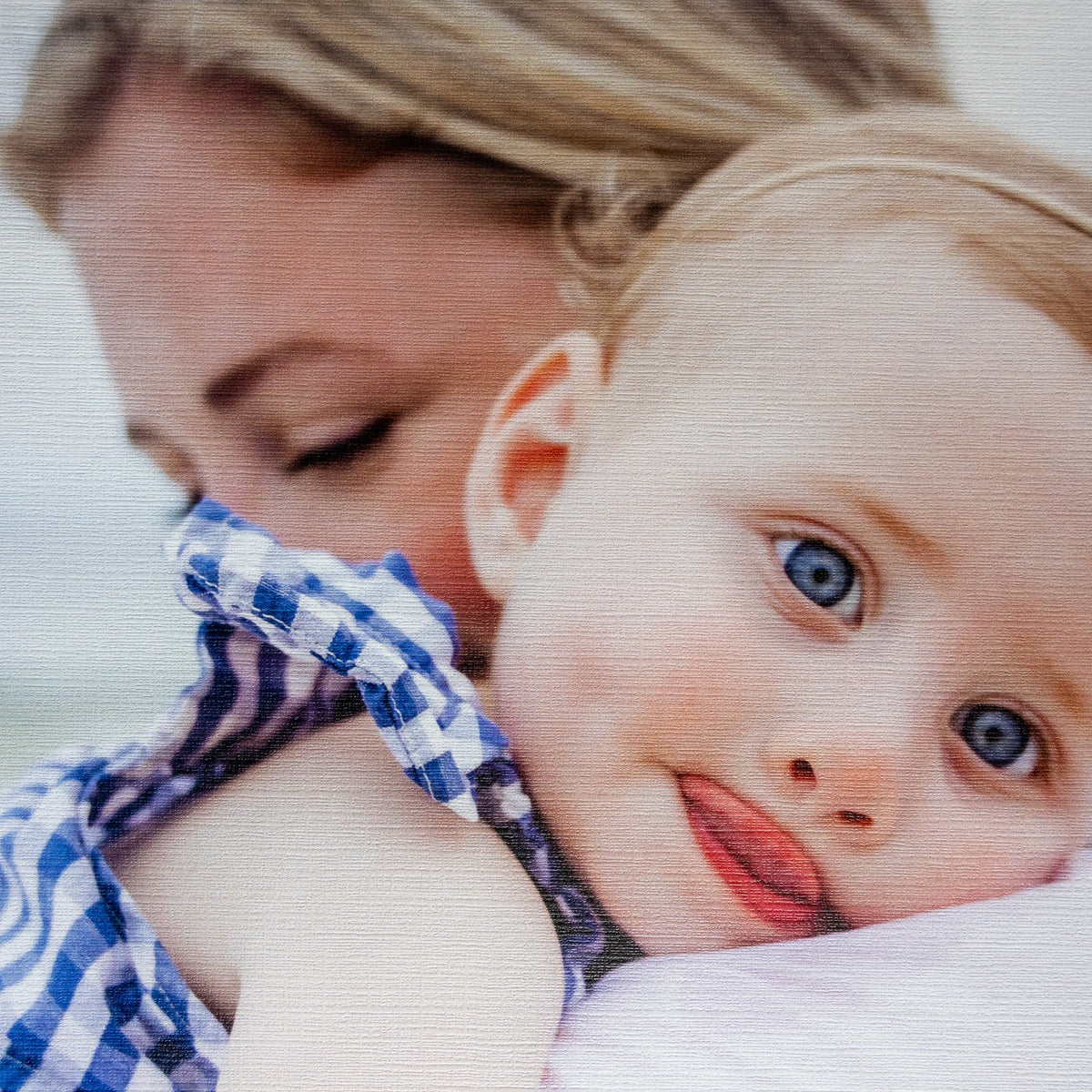
For frames without acrylic
Textured
Our most popular finish, with a canvas-embossed texture.
Create textured printA fresh print for your Smallwoods frame.
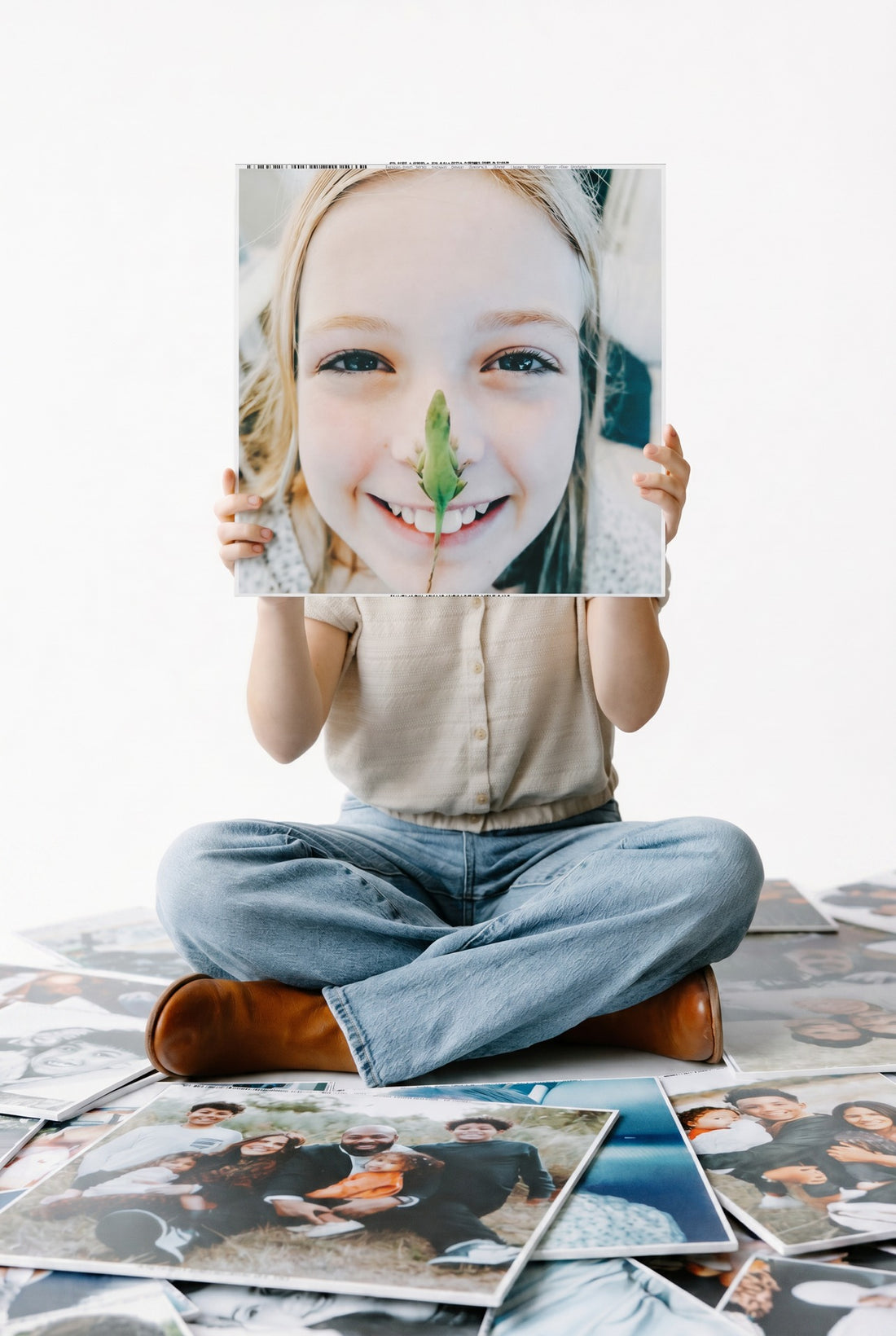
Without acrylic? Go textured. With acrylic? Go smooth.
Our most popular finish, with a canvas-embossed texture.
Create textured print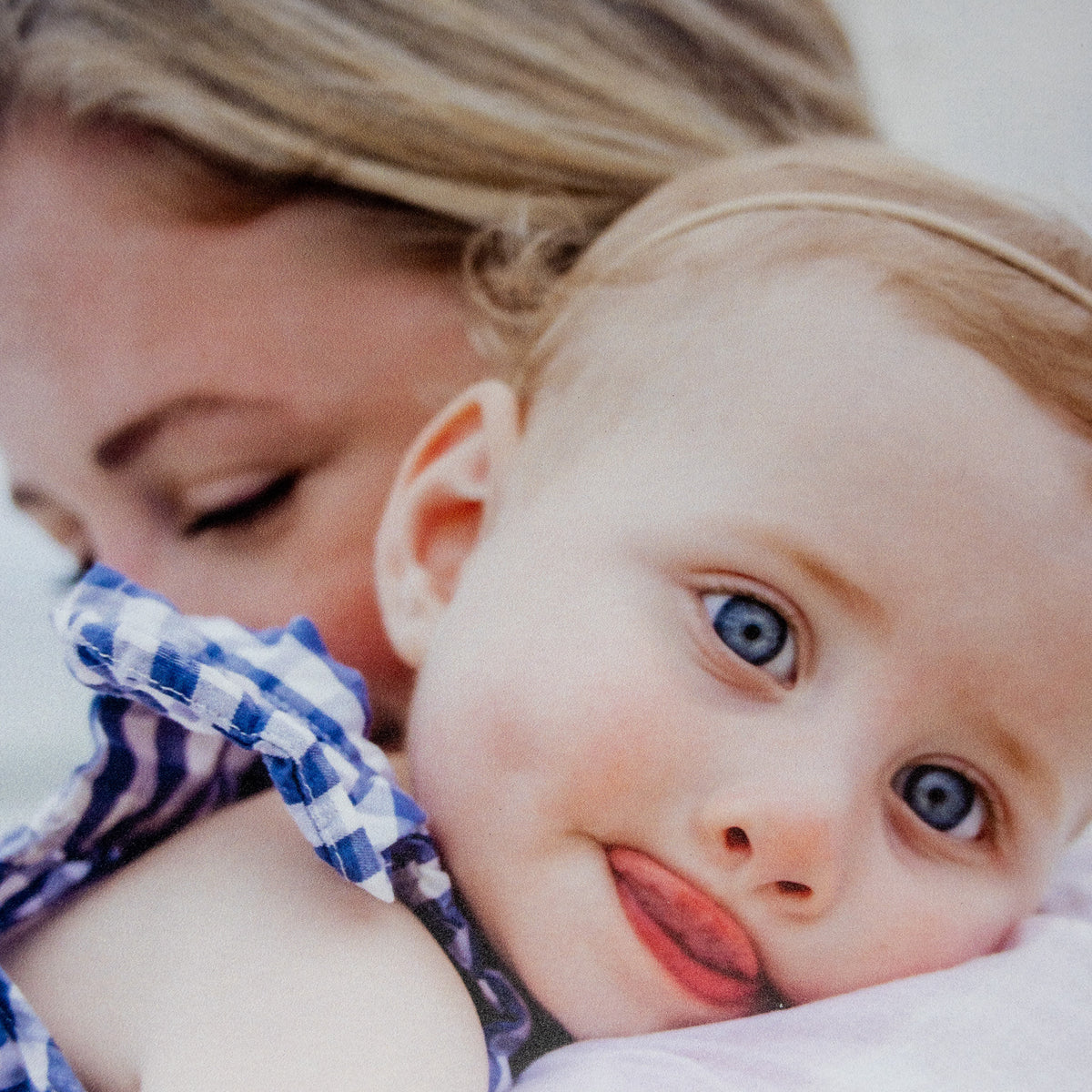
A smooth photo finish for frames with an acrylic cover.
Create non-textured printYour selected finish opens in the builder. Choose your size there. Acrylic inserts are not included.
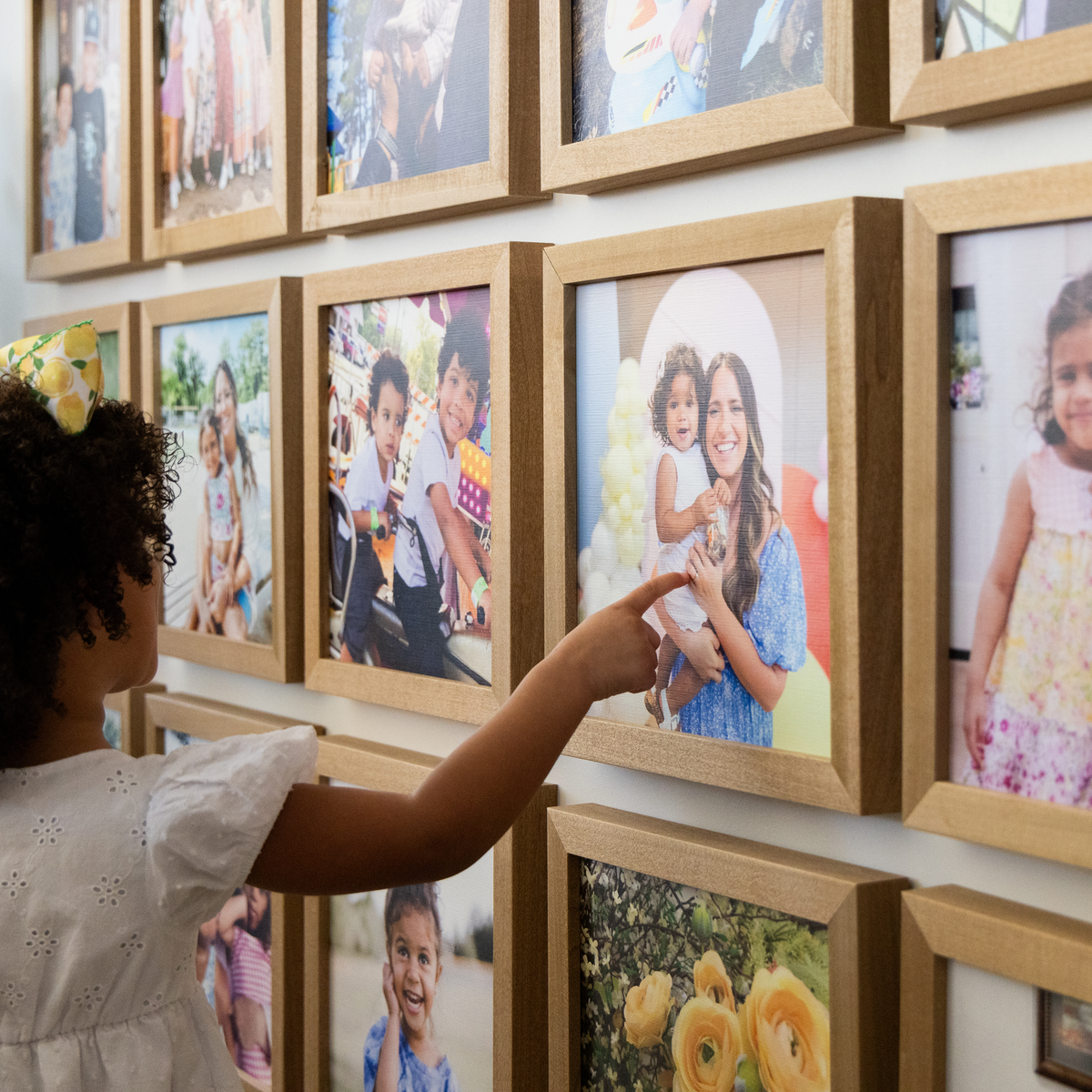
There’s always another photo worth putting up.
Match the size and finish to your existing Smallwoods frame.
Upload a favorite photo and preview your print in the builder.
Use our replacement guide to put your new photo in its place.
Already have a Smallwoods frame? Here’s what to know before ordering a new print.
Print refills are made specifically for Smallwoods frames and may not fit other frames. Match your existing frame’s size when ordering.
Choose textured for frames without acrylic, or non-textured for frames with acrylic. The textured option has a canvas-embossed finish; the non-textured option is smooth.
Your photo print, without a new frame or acrylic insert. Prints are 3/16 inch thick. Order information is printed around the edges.
Follow our step-by-step replacement video. Watch the how-to guide.
